Does NW have the ability to select multiple reports to Execute/Run and then print? For example, selecting multiple report lines and clicking an action or similar? (such as a built-in action like View Report/Run and View Report)
If not possible via NW, can a Logic Block list action be created to execute and print all these reports?
Additional Context: Can this be done on the CustomerStatements application?
Instead of clicking each report individually and clicking view statement, waiting for the report to run, and then printing that report. We’d like to Run and Print all reports selected.
Unfortunately, we do not currently support the ability to run a report and stream the output directly to a designated printer. This feature has been captured as an idea in our backlog, but it is not scheduled for development at this time. We recommend discussing this with your Partner Contacts to help prioritize the request.
Regarding your question about Logic Block actions:
Yes, it is possible to execute a Logic Block for each of the selected rows. Within the called Logic Block, you can use a Fetch Records action. In the action’s properties, there’s an Expression section where you can define an External Expression with the type set to “Received Selection”. This setup allows you to iterate over the selected rows and queue a report for each. However, please note that while you can queue reports this way, the system still does not support streaming the report output directly to a printer.
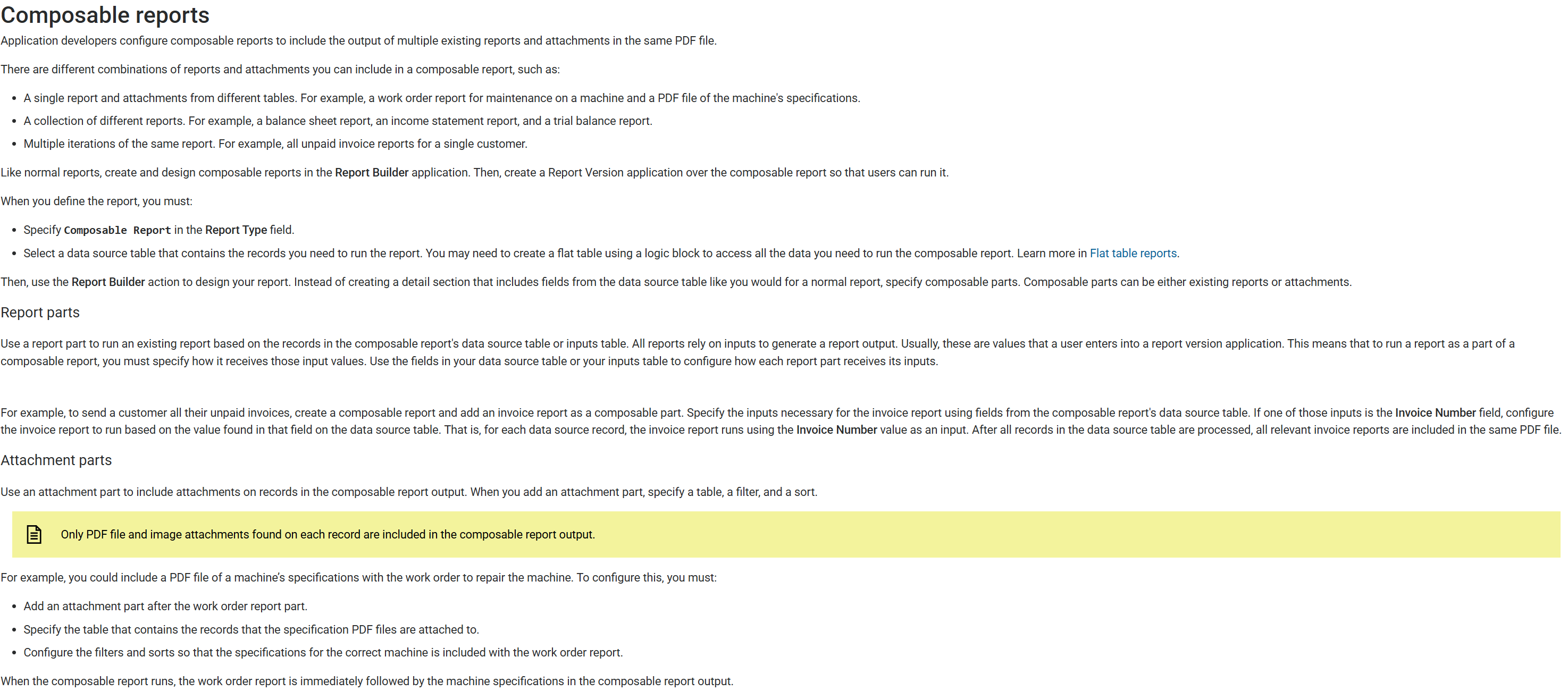
What about chaining the reports together as if they were one unified report? Basically we could select 50 reports at a time, run a Logic Block row action on them. It would combine each of the reports into a single report, then the user could print just 1 report.