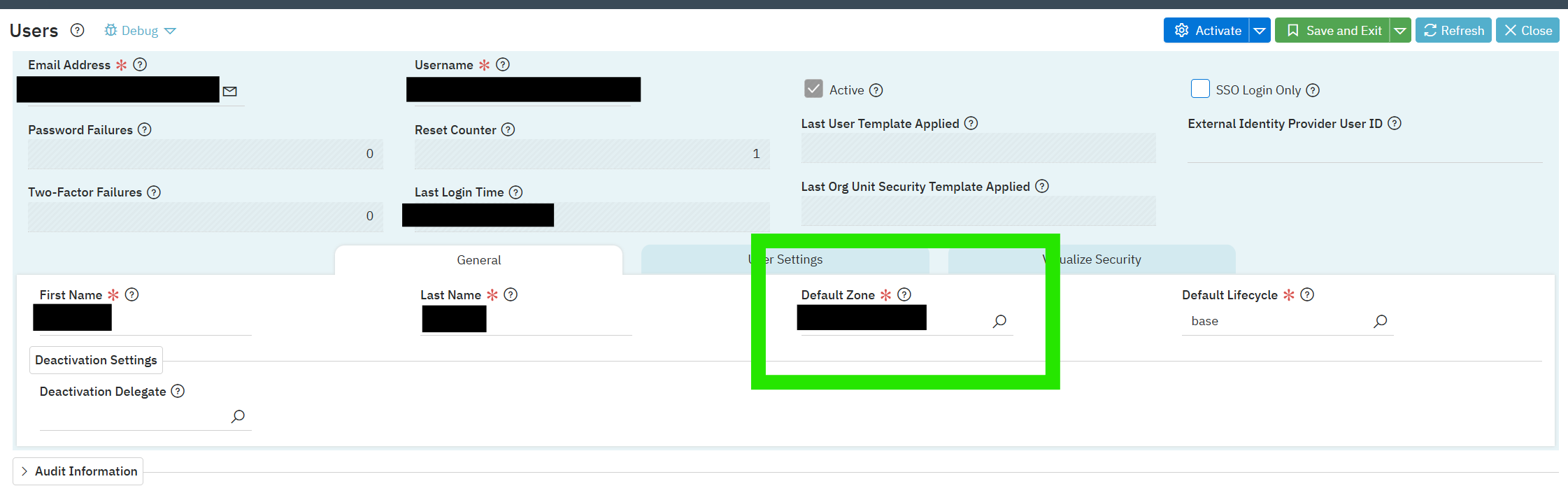
There might be other ways but here is a thought… the system admin could build a small logic block in the customer environment that fetches all the user records, sets and updates the latest Default Zone value. This logic block could be attached to a Job Scheduler and run on demand after a release upgrade. The only thing they will need to manually change after each release is the Default Zone value in the logic block.
A new feature is included in the 25.1.05 patch release that will allow a security administrator to bulk update users Default Environment. From the Users application, there is a new list form action called ‘Update User Default Environment’ that will update the Default Environment for any user records filtered from the list view.
The only functional role that should be able to perform that action is SYS - User Administrator, so only users with the ability to view and modify other user records will be able to make changes.