I have created a precision profile group and assigned it to a number of data items, but I am unsure of how to actually assign the precision that the group of data items should have. I was following this help document “Extended precision configuration – Currency data items” but in the Currency Manager I don’t see any option to add my profile to a set of Extended Precision Definitions. Am I missing a permission?
In Currency Manager, select the currency you want to add the precision to and select Edit. In the edit screen you will see the Extended Precision Definitions subtable. Here you can associate the profile and precision to use for that currency.
1 Like
@hannah.eckert could you use the feedback button in the NW Help doc you viewed and provide feedback to our doc team that you were not able to find a complete answer to your question in doc? They want to know where they can improve our help docs.
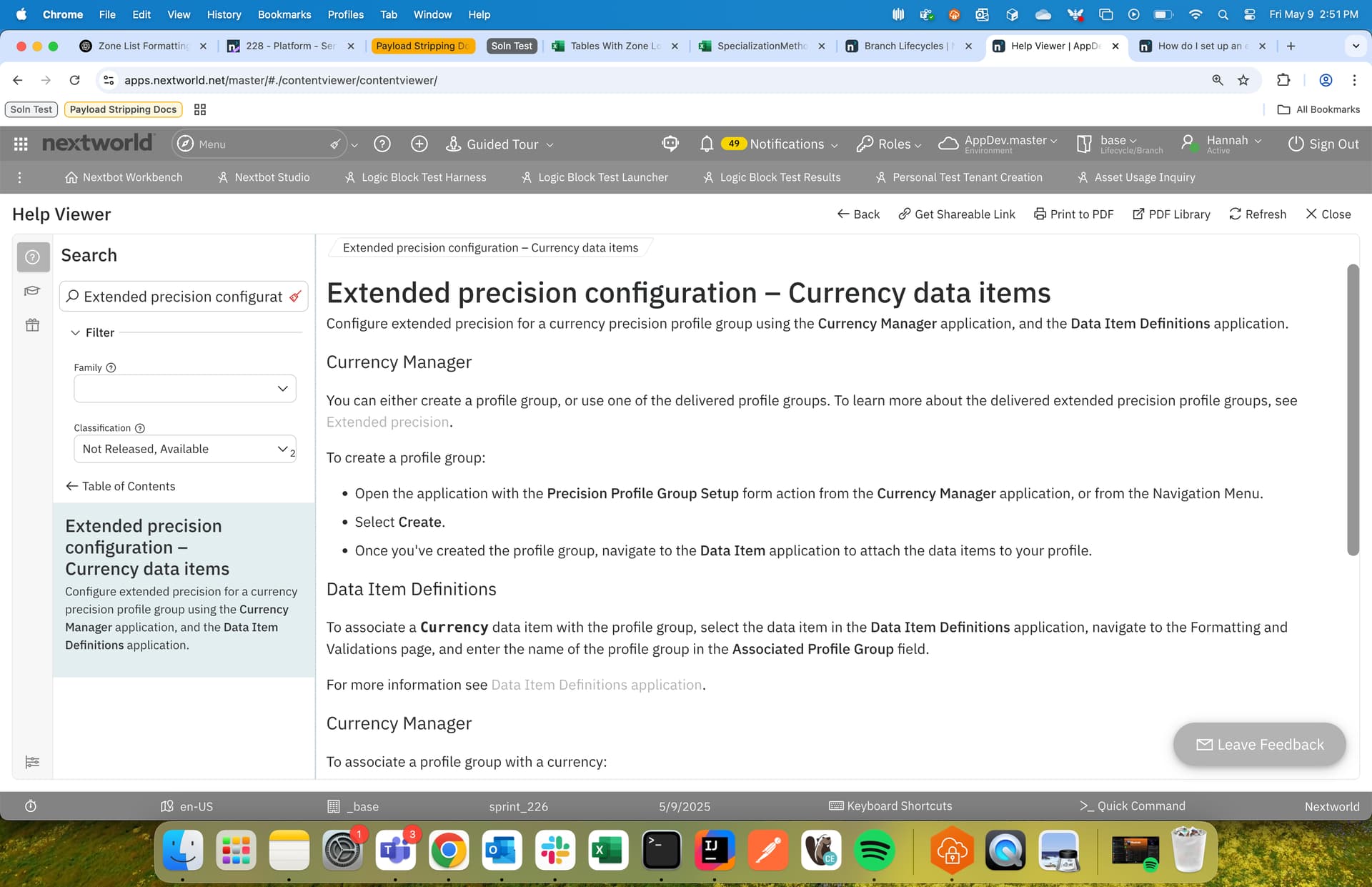
The Leave Feedback button is in the bottom right corner on your screenshot. It’s more of a popup button.